学习文档:
https://www.tutorialspoint.com/spring_boot/spring_boot_building_restful_web_services.htm
添加依赖
为了构建RESTful Web Services,我们需要添加spring-boot-starter-web依赖。1
2
3
4
5
6
7
8
9
10
11
12
13
14
15
16
17
18
19
20
21
22
23
24
25
26
27
28
29
30
31
32
33
34
35
36
37
38
39
40
41
42
43
<project xmlns="http://maven.apache.org/POM/4.0.0" xmlns:xsi="http://www.w3.org/2001/XMLSchema-instance"
xsi:schemaLocation="http://maven.apache.org/POM/4.0.0 http://maven.apache.org/xsd/maven-4.0.0.xsd">
<modelVersion>4.0.0</modelVersion>
<parent>
<groupId>org.springframework.boot</groupId>
<artifactId>spring-boot-starter-parent</artifactId>
<version>2.1.4.RELEASE</version>
<relativePath/> <!-- lookup parent from repository -->
</parent>
<groupId>com.restfulapio</groupId>
<artifactId>demo</artifactId>
<version>0.0.1-SNAPSHOT</version>
<name>demo</name>
<description>Demo project for Spring Boot</description>
<properties>
<java.version>1.8</java.version>
</properties>
<dependencies>
<dependency>
<groupId>org.springframework.boot</groupId>
<artifactId>spring-boot-starter-web</artifactId>
</dependency>
<dependency>
<groupId>org.springframework.boot</groupId>
<artifactId>spring-boot-starter-test</artifactId>
<scope>test</scope>
</dependency>
</dependencies>
<build>
<plugins>
<plugin>
<groupId>org.springframework.boot</groupId>
<artifactId>spring-boot-maven-plugin</artifactId>
</plugin>
</plugins>
</build>
</project>
实现控制器
- @RestController
使用@RestController注解来定义RESTful web 服务,它提供JSON,XML等响应数据格式。
- @RequestMapping(value=””)
使用@RequestMapping来定义Request的url入口
- @RequestBody
使用@RequestBody来定义获取request请求中的content
- @PathVariable(“”)
使用@PathVariable来获取用户自定义变量或动态变量
- @RequestParam
使用@RequestParam来获取request请求的url中的参数
代码案例
1 | package com.restfulapio.demo.controller; |
测试
使用Postman进行测试前,需要添加Content-Type:application/json;charset:utf-8;
GET API TEST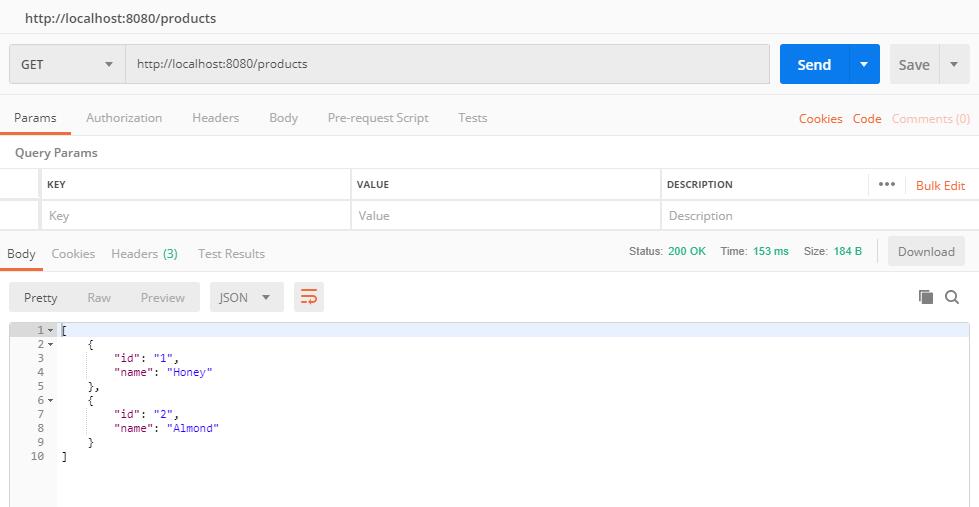
POST API TEST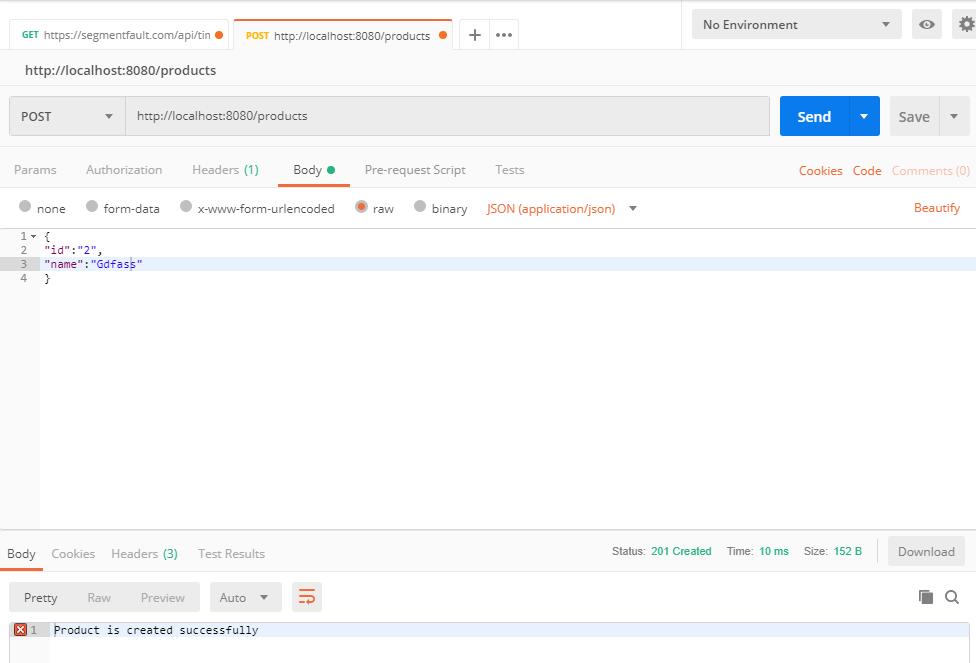
PUT API TEST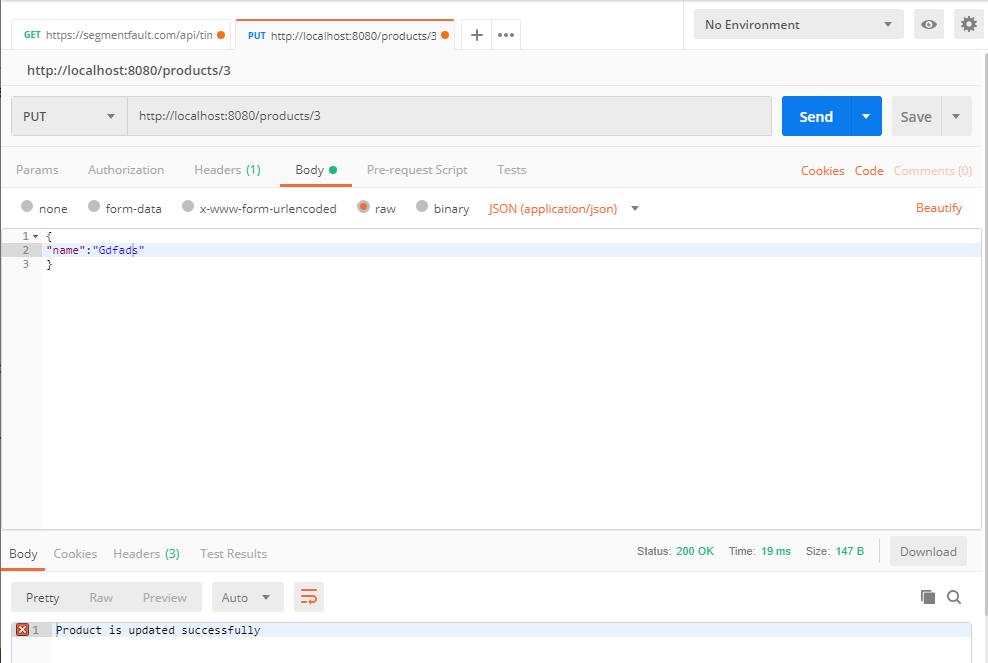
DELETE API TEST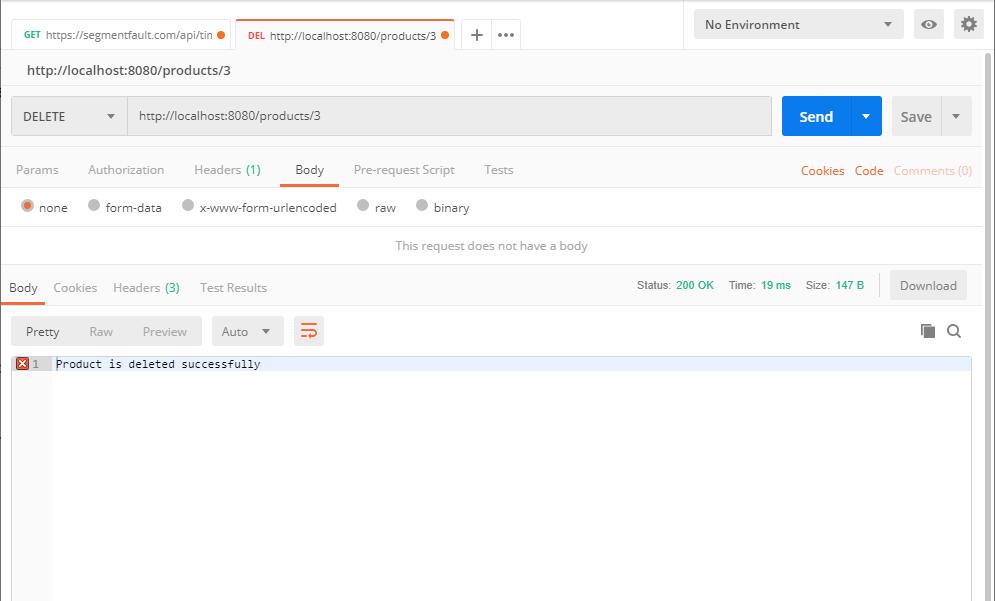


评论加载中